The freelancer's guide to invoicing (and getting paid on time)
What to put on every invoice, the payment terms that get you paid faster, how to chase late payments without the awkwardness, and a full sample invoice to copy.
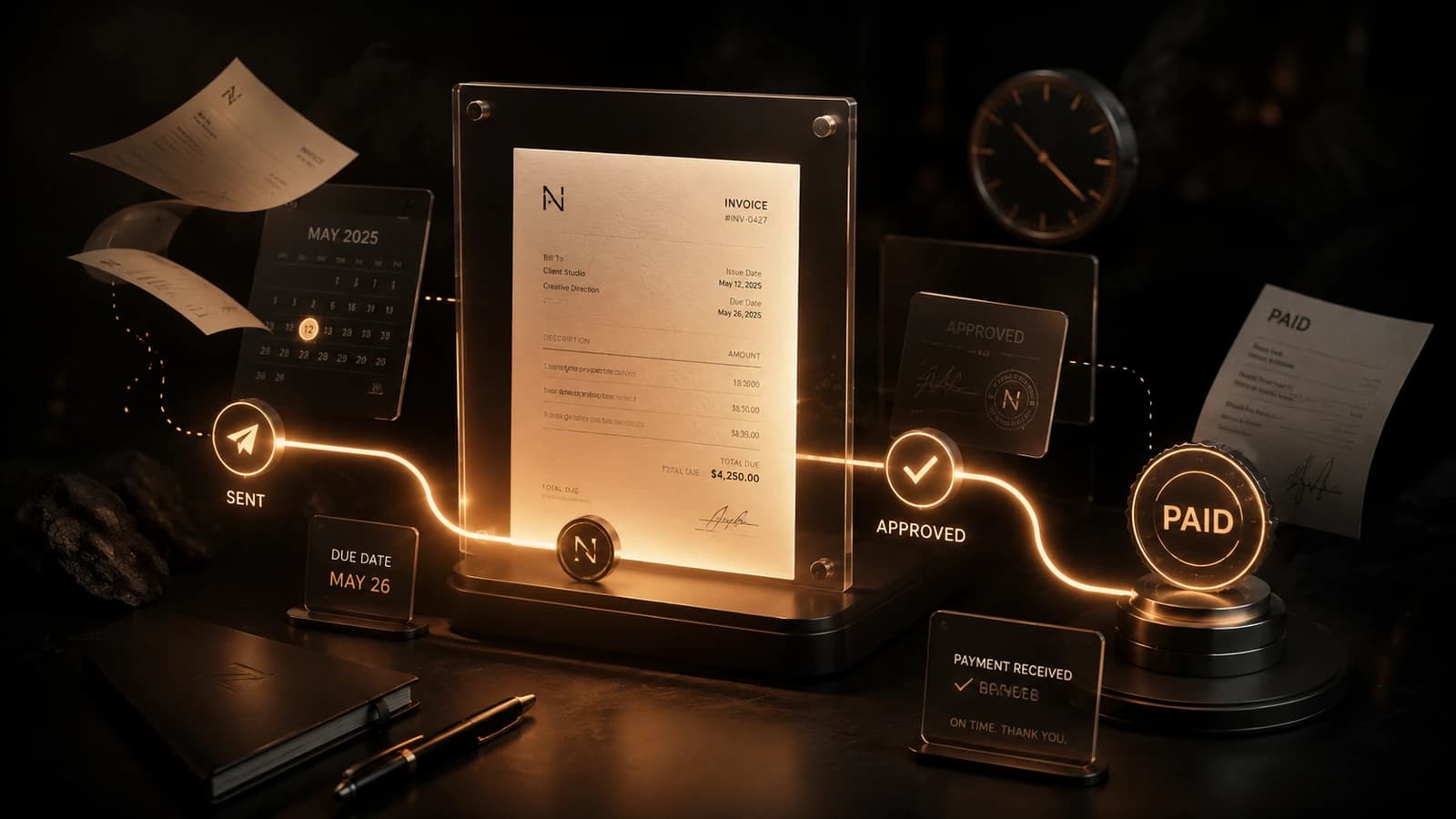
Why invoicing decides whether you actually get paid
Plenty of freelancers do excellent work and still struggle with cash flow. The reason is rarely the work itself. It is the invoicing: vague documents, unclear due dates, no follow-up, and payments that drift weeks past when they were owed. Getting paid on time is a skill, and it comes down to removing friction and ambiguity from the moment you ask for money.
A clear, professional invoice does two jobs at once. It tells the client exactly what they owe and when, and it signals that you run a real business that expects to be paid on schedule. This guide covers what to put on every invoice, how to set terms, how to handle late payments without the awkwardness, and how the right freelance invoice software makes the whole process take minutes.
What every invoice must include
An invoice that gets paid quickly leaves no room for questions. Before you send one, check that it contains every item below:
- Your name or business name, address, and contact details.
- The client's name, business, and billing details.
- A unique, sequential invoice number for your records and theirs.
- The issue date and a specific due date, not just 'net 14'.
- An itemized list of the work, each line with a description, quantity, and rate.
- The subtotal, any tax or VAT broken out separately, and the final total.
- Accepted payment methods and exactly where to send the money.
- A short note stating your payment terms, and a thank you.
How to number and organize your invoices
Invoice numbers are not just admin. They keep your records clean, make tax season painless, and look professional to clients. The simplest reliable system is sequential numbering with the year, such as INV-2026-0001, INV-2026-0002, and so on.
Never reuse or skip numbers, and never send two invoices that share one. If a client ever queries a payment, a clean sequence lets you find the exact document in seconds. Tools that generate the next number for you remove the risk of duplicates entirely.
Payment terms that get you paid faster
Your payment terms set the client's expectation for when money arrives. Shorter terms and a clearly visible due date measurably shorten the time to payment. Here is how the common options compare:
| Term | What it means | Best for |
|---|---|---|
| Due on receipt | Payment expected immediately | Small jobs, new clients, quick turnarounds |
| Net 7 | Payment due within 7 days | Most freelance work; keeps cash flowing |
| Net 14 | Payment due within 14 days | A fair default clients rarely push back on |
| Net 30 | Payment due within 30 days | Larger companies that require it; avoid if you can |
| Deposit / milestone | Split into stages, paid as you go | Bigger projects; protects your cash flow |
Which payment methods to offer
Every extra step between the client and paying you is a chance for delay. Offer at least two convenient methods and make the details impossible to miss:
- Bank transfer for low fees on larger amounts.
- A card or online payment link for speed and convenience.
- PayPal or Wise for international clients and currency flexibility.
- Clear instructions and a payment reference so the client knows exactly what to do.
A sample invoice, line by line
Here is how a clean invoice reads from top to bottom. Adapt the labels and numbers to your own work.
Header. Your business name and logo at the top, with your contact details and the invoice number, INV-2026-0042.
Bill to. The client's name, company, and billing address.
Dates. Issued 1 June 2026, due 15 June 2026.
Line items. Landing page design, 1 unit, $900. Copywriting, 3 sections, $300. Each line clear and on its own row.
Totals. Subtotal $1,200, tax if it applies, and a bold grand total of $1,200.
Footer. Accepted payment methods, your terms (net 14), and a short thank you.
How to handle late payments without the awkwardness
Even good clients forget. A calm, systematic follow-up gets you paid without damaging the relationship. Use a simple escalating cadence:
- A few days before the due date, send a friendly reminder that the invoice is coming due.
- On the due date, if it is unpaid, send a short, polite nudge with the invoice attached again.
- One week late, follow up referencing your terms and offer to resend the payment details.
- Two weeks late, send a firmer note stating any late fee and a clear final date.
- Beyond that, pause new work and consider a formal demand or a collections step.
Taxes and records: keep it boring and safe
Treat every invoice as a tax record from day one. Keep a copy of each one you send, paid or unpaid, and track totals as you go so tax season is a download rather than a panic.
Tools that make invoicing a two-minute job
Doing all of this by hand in a word processor is slow and error-prone. Totals get miscalculated, numbers get duplicated, and statuses live in your head instead of on a screen. The point of a tool is to remove that friction.
NovaDraft auto-calculates every total, generates sequential invoice numbers like INV-2026-0001 for you, and shows what is paid, pending, or overdue at a glance. You can turn an approved proposal into a matching invoice in a click, then export a branded PDF. See the features and browse invoice templates to find a layout that fits your brand.
Invoicing is the last step of a bigger flow. To make the step before it go smoothly too, read how to write a proposal that wins clients, and make sure the numbers are right by setting your freelance rates with confidence.
Frequently asked questions
What should I do if a client refuses to pay?
Start with calm, documented reminders that reference your agreed terms. If those fail, send a formal final notice with a deadline, then consider pausing work, a collections service, or small claims. A signed proposal and a clear invoice trail are your strongest protection.
Should I charge a late fee?
You can, and stating one in your terms encourages on-time payment. A common approach is a small percentage per month overdue. Make sure the fee appears in your original terms before the work starts, not as a surprise afterward.
Do I need to charge tax on my invoices?
It depends on your country, your revenue, and where your client is based. Many freelancers must register for and charge VAT or sales tax once they pass a threshold. Check your local rules and, when unsure, ask an accountant rather than guessing.
How soon should I send an invoice?
Send it the moment the work is delivered, or at each agreed milestone, not at the end of the month. The sooner the invoice lands, the sooner the clock starts and the fresher the work is in the client's mind.
What is the best payment term for freelancers?
Net 7 or net 14 works well for most freelance work, paired with a clearly visible due date. Reserve net 30 for large clients who require it, and ask for a deposit on bigger projects to protect your cash flow.
How do I create professional invoices quickly?
Use a tool that handles numbering, calculations, and status tracking for you. NovaDraft generates sequential invoice numbers, totals every line automatically, and exports a branded PDF, so a polished invoice takes a couple of minutes instead of an afternoon.
Put these tips into practice
Try NovaDraft freeMore articles
How to write a winning Upwork proposal (that gets replies)
Most Upwork proposals are never really read. Here is how the platform shapes what clients see, the opening lines that get opened, and how to use Connects and pricing to actually get hired.
Upwork vs Fiverr vs Freelancer vs Toptal: the best freelance platforms in 2026
A practical comparison of the top freelancing platforms in 2026: how you get work, the fees each one takes, and exactly who each platform is best for.